FREE DECISION GUIDE · PDF
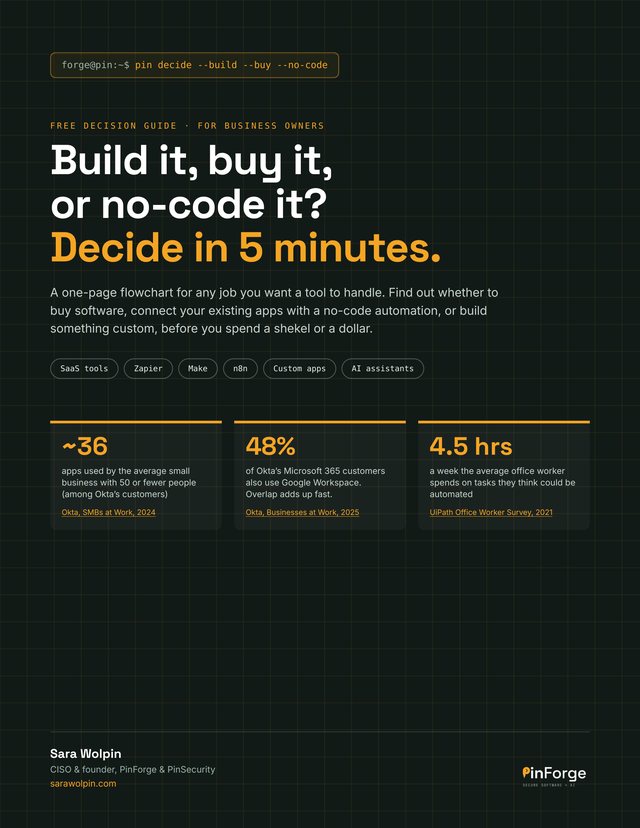
Build it, buy it, or no-code it?
A free decision guide for business owners. Decide in 5 minutes.
A one-page flowchart for any job you want a tool to handle. Find out whether to buy software, connect your existing apps with a no-code automation, or build something custom, before you spend a shekel or a dollar.
- SaaS tools
- Zapier
- Make
- n8n
- Custom apps
- AI assistants
THE FLOWCHART
Four questions, one path
Write the job in one sentence: “When ___ happens, we need ___ done.” Then answer four questions in order and stop at the first yes.
Is there a ready-made tool that does at least 80% of it?
Yes: buy it. Use the SaaS tool, and close the last 20% with a small automation if you need to.
Is the job mostly moving information between apps you already use?
Yes: no-code it. Connect your apps with Zapier, Make or n8n. Usually live in days, not months.
Is it core to how you make money, with rules no tool fits?
Yes: build it. Custom software you own, starting with a small first version.
Would a person still need to make a judgment call at most steps?
Yes: fix the process first. Write the steps down, standardize them, then start again at the first question.
WHAT’S INSIDE
Everything you need to choose a path
Four pages, written for business owners, not developers.
The flowchart
The four questions above, with examples, plus what to do when you’re still unsure and where AI assistants fit.
The three paths, side by side
Time to start, upfront and ongoing cost, fit, who owns it and the biggest risk, for buying, no-code and building.
When no-code should become custom software
The signs it’s costing more, getting fragile or has become critical.
The security check for every path
Questions to ask before any customer data goes in, whether you buy, no-code or build.
Try it on your own business
A fill-in table to run your three biggest time-eaters through the flowchart.
Not sure which tasks to start with? Score them first with the free AI Automation Scorecard.
Get the free guideWHO IT’S FOR
Business owners about to spend on software
- You’re about to pay for a new tool, hire a developer or sign up for an automation platform.
- Your team copies and pastes between apps every day.
- You’ve heard of Zapier, Make or n8n but aren’t sure when they’re the right choice.
- You want to keep customer data safe whichever path you take.
FAQ
Questions about the guide
What is the Build, Buy or No-Code? guide?
A free decision guide with a one-page flowchart. For any job you want a tool to handle, four questions tell you whether to buy software, connect your existing apps with a no-code automation, or build something custom.
Which tools does it cover?
Ready-made SaaS tools, no-code automation platforms like Zapier, Make and n8n, custom software, and where AI assistants fit on each path.
Is this only for tech companies?
No. It’s written for owners and managers of any small business, with examples like lead forms, booking flows, client portals and pricing.
What format is it?
A four-page PDF. The last page has a table you can type into on screen or print and fill in by hand.
What if I’m still unsure after the flowchart?
Start no-code and revisit in 6 months. A no-code version is the cheapest way to learn what you really need, and if it outgrows itself, that’s your spec for a custom build. Or book a free 10-minute call.
Is the guide free?
Yes. Enter your email, tap the confirmation link we send you, and the PDF downloads. You’ll also get The PinSecurity Briefing, one short email a month with security and AI tips, and you can unsubscribe anytime.