FREE PLAYBOOK · 7 PAGES · PDF
Hacked email? Here’s what to do in the first 60 minutes.
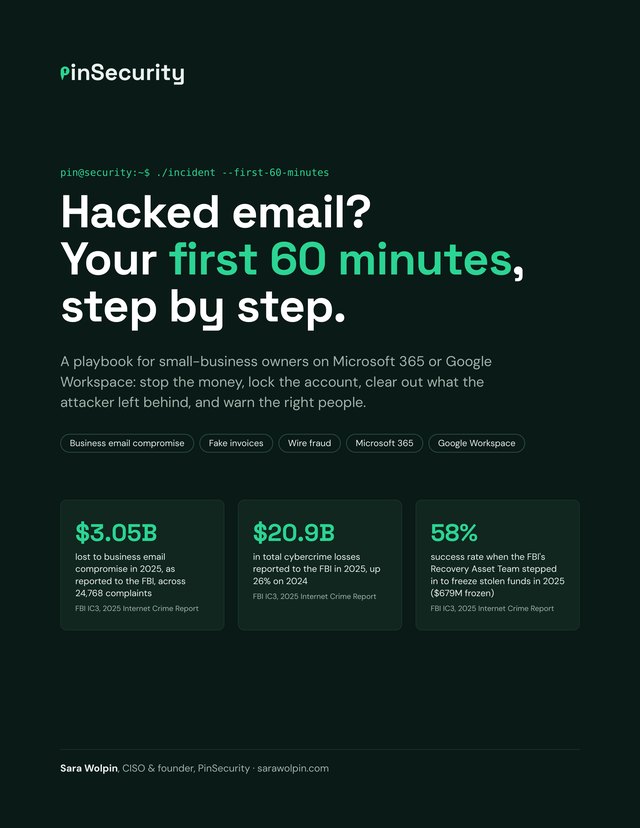
A free, step-by-step playbook for small-business owners on Microsoft 365 or Google Workspace. Stop the money, lock the account, and warn the right people before the next fake invoice goes out.
- A minute-by-minute checklist, with the most urgent steps flagged, so you know what to do first when you can’t think straight.
- The exact menus to click in Microsoft 365 and Google Workspace to reset passwords, sign attackers out, and remove hidden forwarding rules.
- A fill-in emergency contact card and incident log you can print today, before you ever need them.
WHO IT’S FOR
Small businesses that pay or send invoices by email
- You run a small business, or you’re the office manager, on Microsoft 365 or Google Workspace.
- You pay suppliers or send invoices by email.
- You’re not technical, and you want the steps in order before the day you need them.
FAQ
Questions about the playbook
Is the playbook free?
Yes. Enter your email, tap the confirmation link we send you, and the PDF downloads. You’ll also get The PinSecurity Briefing, one short email a month with security and AI tips, and you can unsubscribe anytime.
What should I do first if my business email is hacked?
If money has already gone out, call your bank’s fraud line and ask them to recall the payment, then file a complaint at ic3.gov the same day. Then block sign-in to the account (Microsoft) or suspend it (Google), reset the password from a different device and sign the account out everywhere. The playbook puts every step in order, with the most urgent ones flagged.
Why isn’t changing the password enough?
Someone who is already signed in may stay signed in, and a forwarding rule keeps sending them copies of your mail after the password changes. That’s why the playbook has you block sign-in first, then sign the account out everywhere and remove forwarding, rules and app passwords.
Does it cover Microsoft 365 and Google Workspace?
Yes. Page 5 has the exact menus for both: blocking sign-in, resetting the password, signing the user out everywhere, turning off forwarding, and removing rules, filters and connected apps. Most of these steps need an admin login, so the emergency card on page 6 has a line for whoever has admin access.
Do I need to be technical to use it?
No. It’s written for owners and office managers who pay or send invoices by email. Each step says what to do and where to click. If you have an IT person or provider, put their number on the emergency card now.
Is this legal advice?
No. It’s general guidance. Whether you have to tell customers or regulators depends on your state, your industry and the data involved, so check with a lawyer if the mailbox held personal or financial details.