PINFORGE COURSE · 9 VIDEO LESSONS · LESSON 1 FREE
AI Plugins & Permissions, Simply
9 short animated lessons on what ChatGPT and Claude can do in your accounts, and when they ask first
Plugins, apps, connectors and skills, in plain words. What you agree to when you connect your email. Which actions are safe to let go and which need your yes. The exact settings in ChatGPT and Claude that decide when the AI asks first. Always-on agents: ChatGPT dots and Claude Duet. And a true story of a ChatGPT dot emailing a whole class through MailerLite without permission: how it happened, and how to make sure it can't happen to you.
No problem, nothing was charged. You can buy whenever you're ready.
THE LESSONS
9 lessons
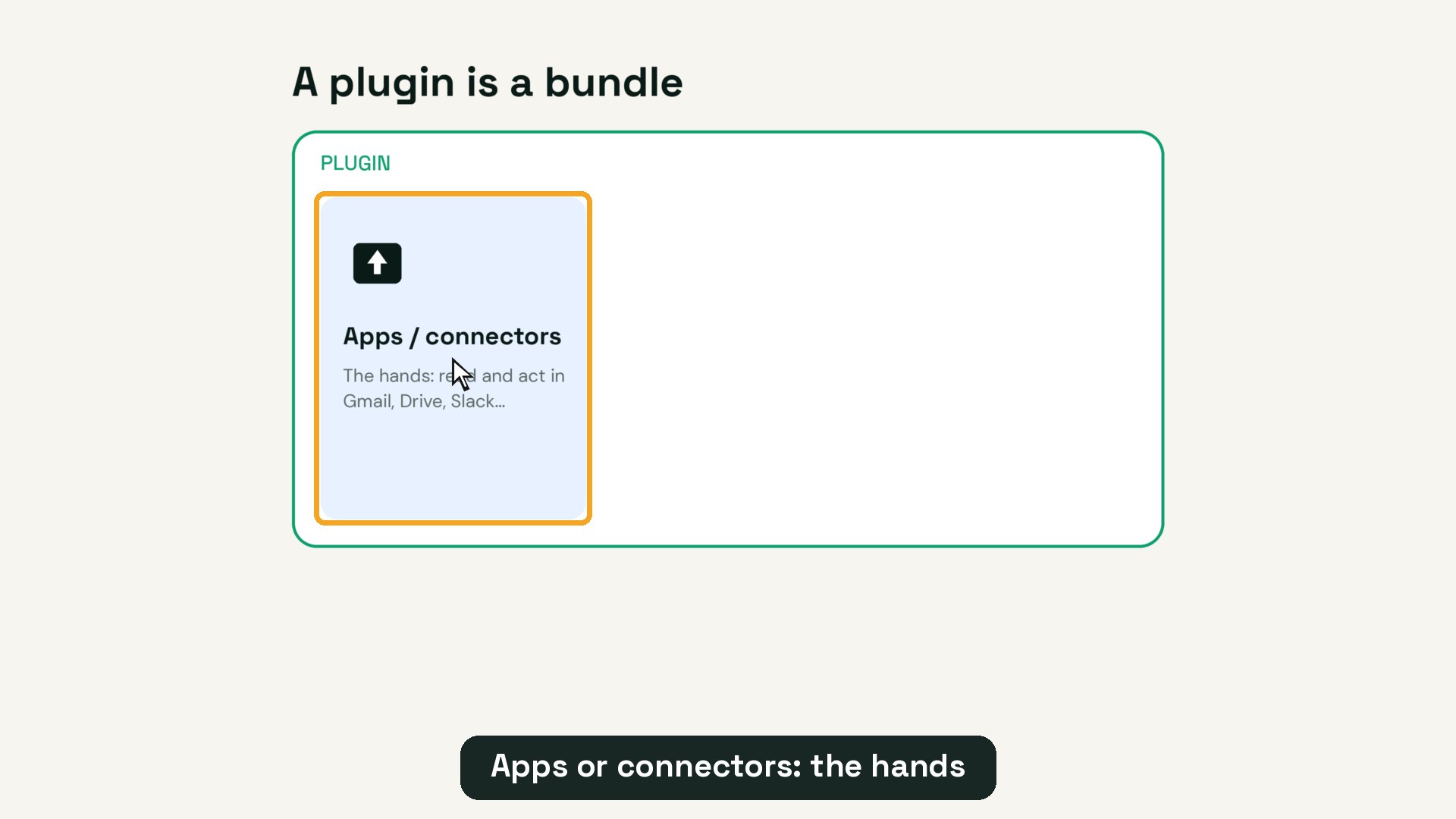
1. Plugins, apps, connectors & skills Free
What each word means, in ChatGPT and Claude
2. Connecting: what you're agreeing to
Read the screen before you click Allow
3. Reading vs. doing
Which actions are safe to let go, and which are not
4. ChatGPT: when it asks first
Default permission, each plugin's permission, and approvals
5. Claude: Allow once, Always allow
The approval prompt and each tool's setting
6. Claude: the approval modes
How often Claude stops to check with you
7. “It sent it without asking!”
A true story: how a ChatGPT dot emailed a whole class through MailerLite, and how to stop it
8. Always-on agents: dots and Claude Duet
Agents that keep working while you're away, and the rules that decide what they do alone
9. Your 5-minute safe setup
Do this once, in ChatGPT and in Claude
FAQ
Questions about the course
How do I get access?
Right after paying, you go straight to the lessons and get an email with your link. On another device, sign in at sarawolpin.com/course/login with the email you used and we'll email you a sign-in link.
How long do I have access?
For as long as the course is online, including any updates.
I have a coupon code. Where does it go?
Tap “Have a coupon code?” above the Buy button and press Apply. If your code makes the course free, enter your email and we'll send you a link to start watching.
I'm stuck. Can I ask?
Yes. Email [email protected].